


If you run an excavation business, your first website should help a prospective customer work out whether you handle their type of project, serve their area and offer a clear way to request a quote.
Those were the priorities for TruGrade Excavating. The company was already growing through referrals and Instagram when potential clients began asking for a website.
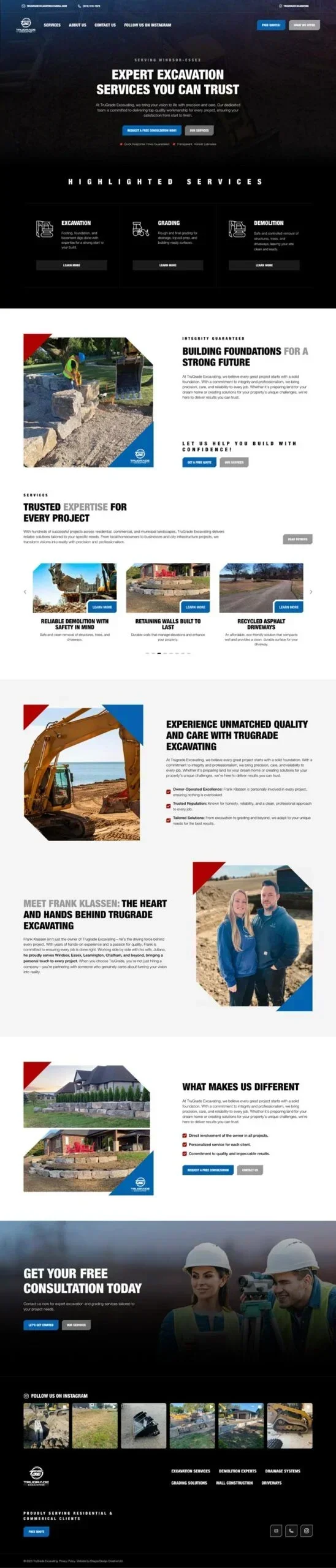
We built a custom WordPress website for the Windsor-Essex business and launched it in December 2024. Its service information, project images and enquiry options show how a focused first website can answer the questions that matter before someone gets in touch.
Give each service enough explanation
Someone planning excavation work may know what they want to achieve on their property without knowing exactly which service to request. Clear descriptions and examples help them make that connection.
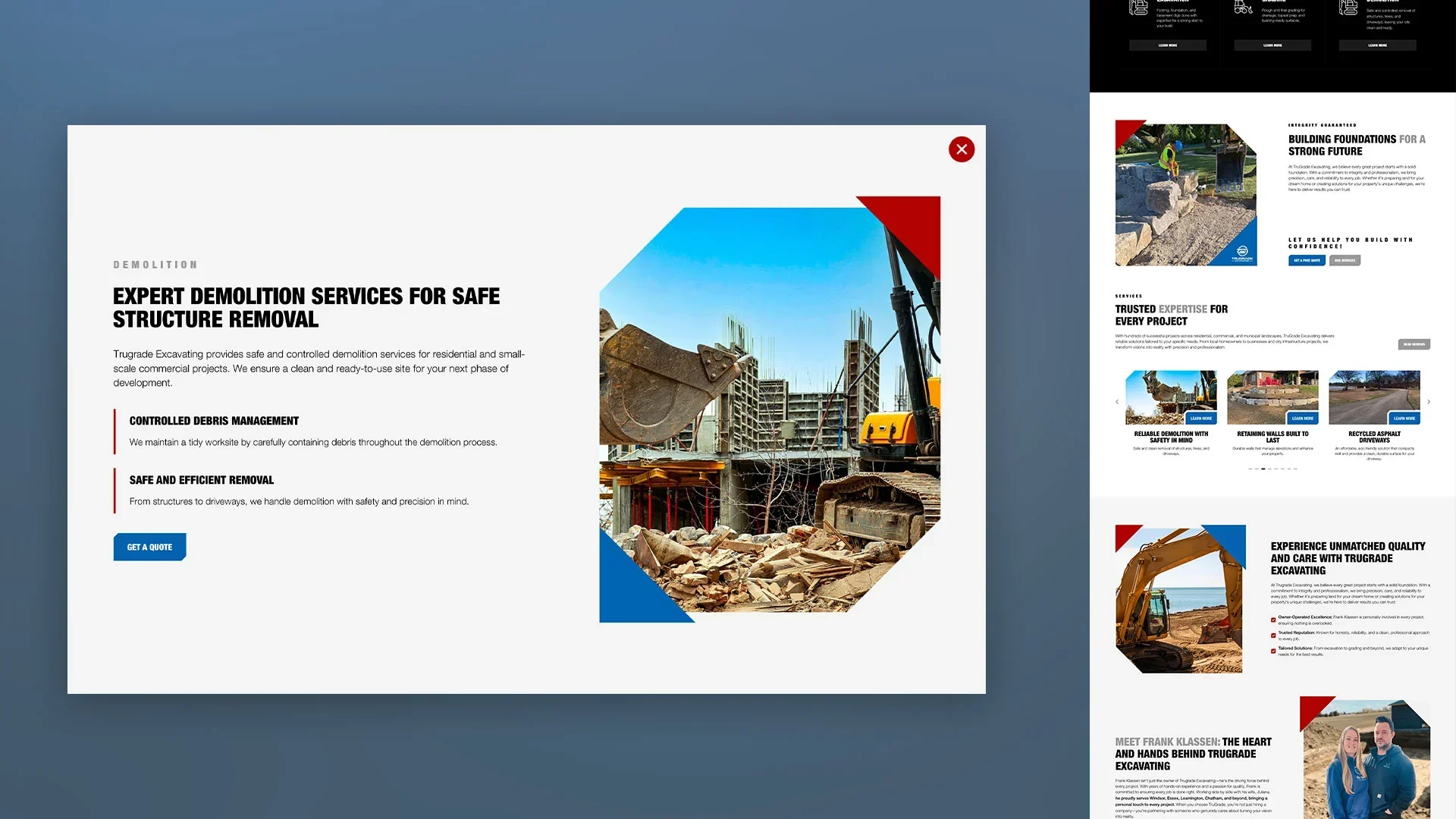
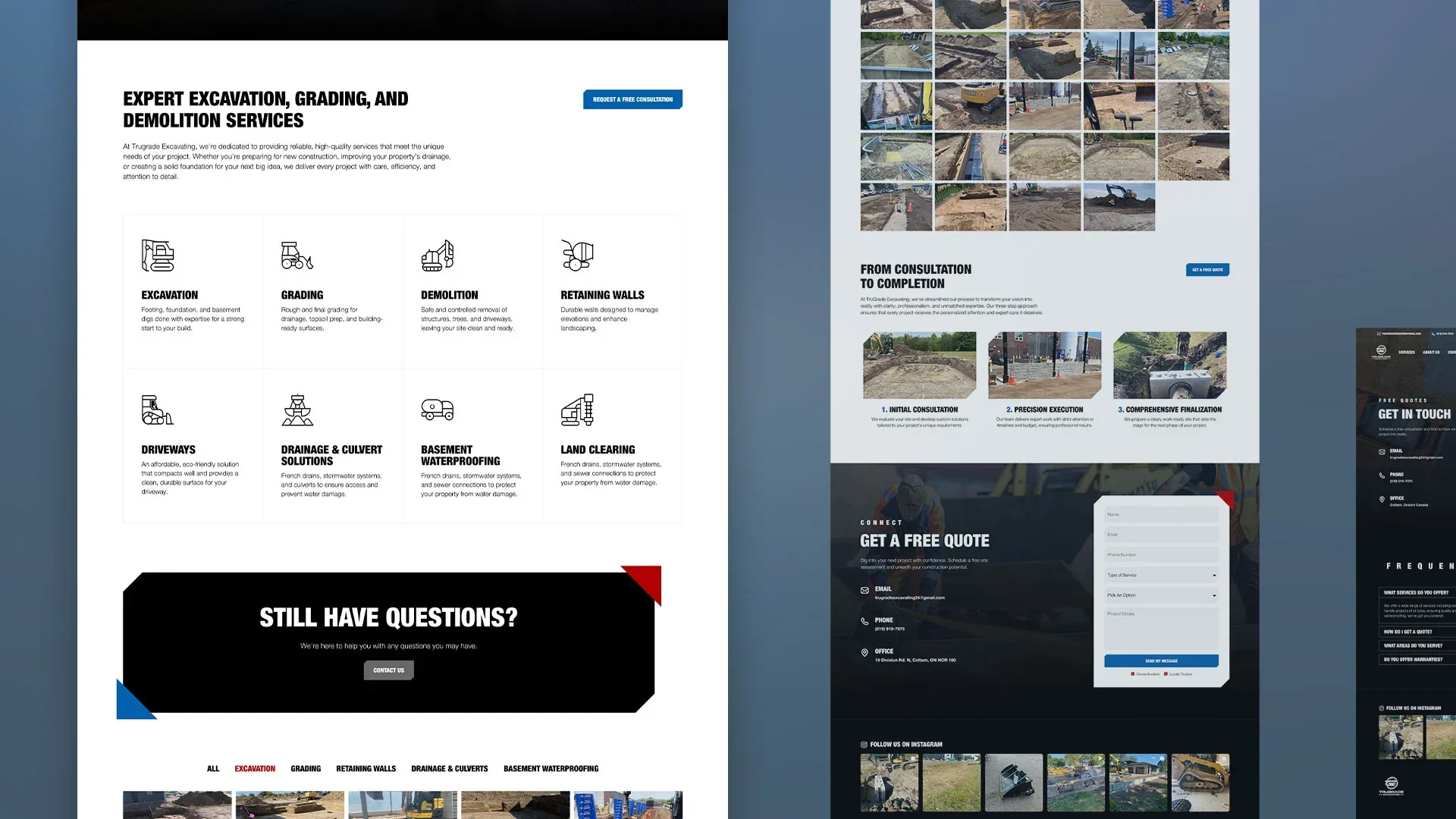
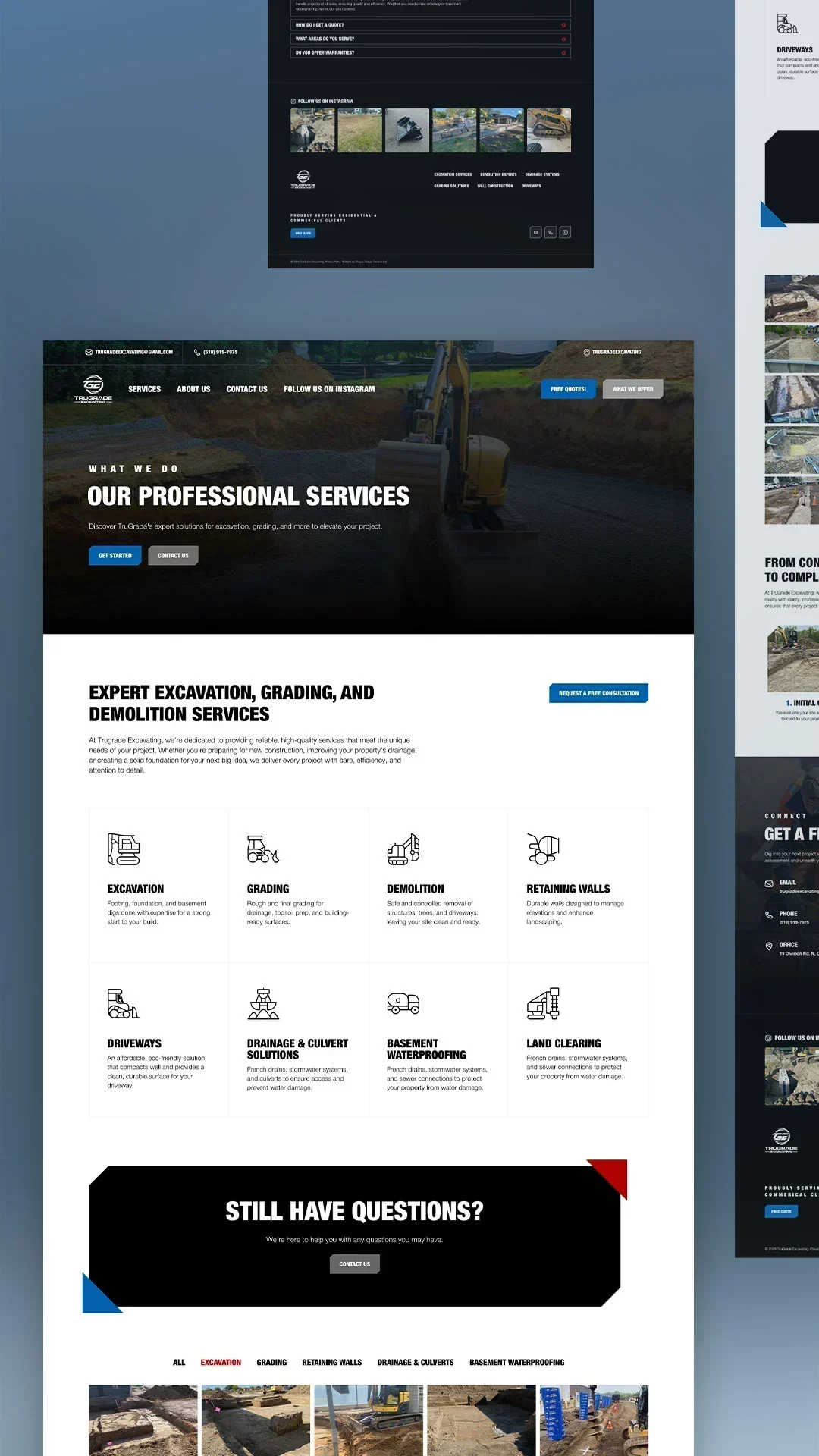
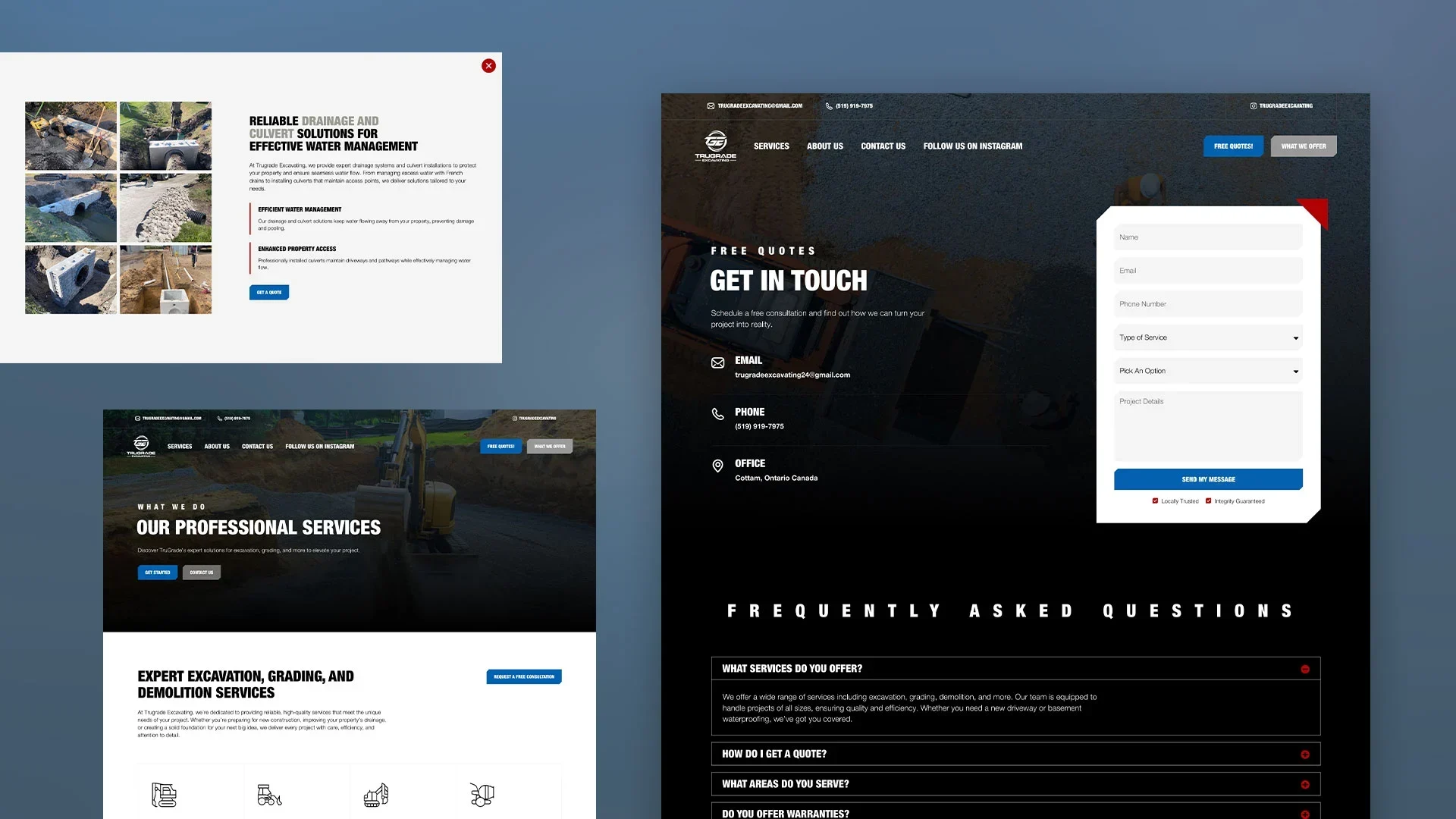
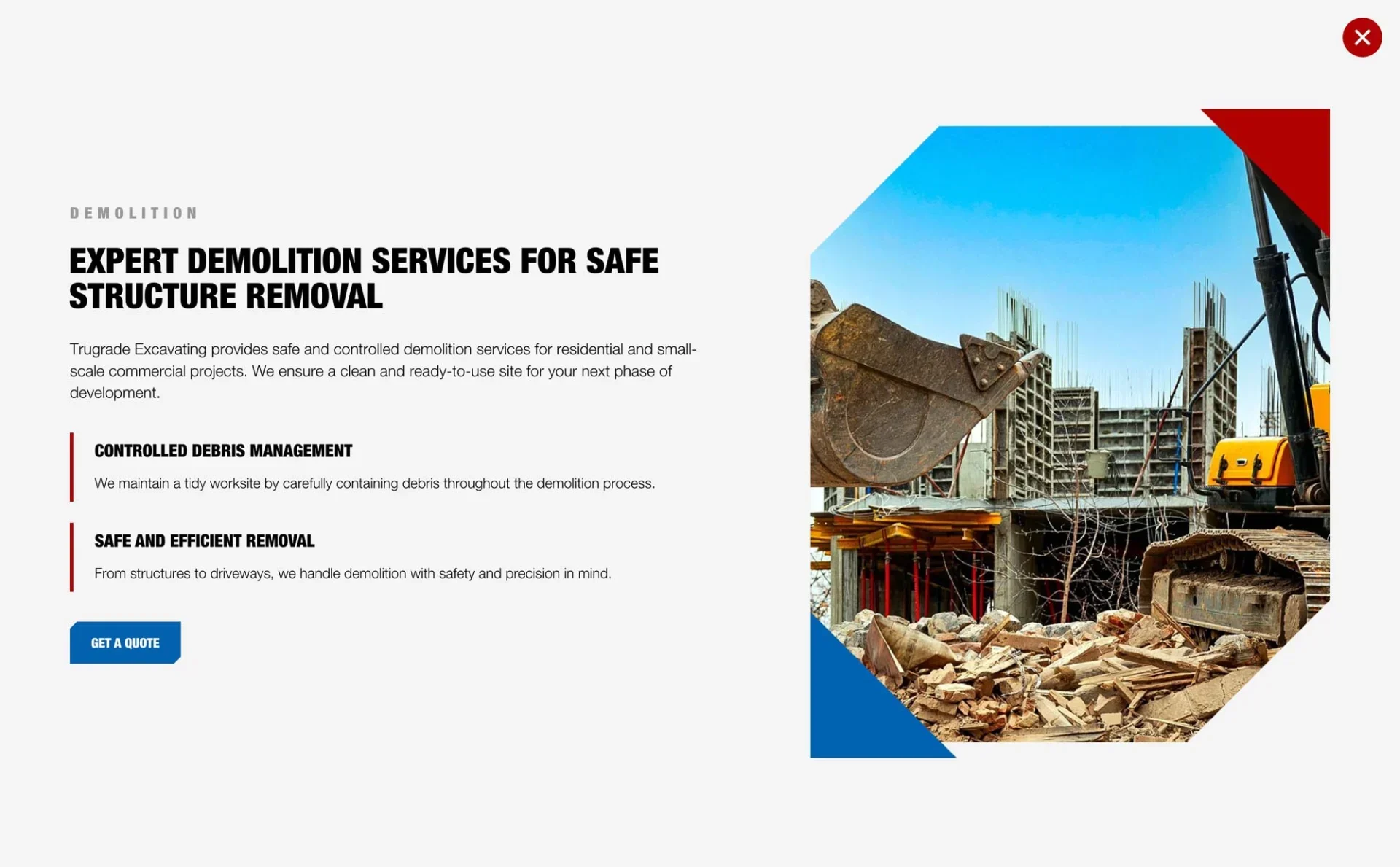
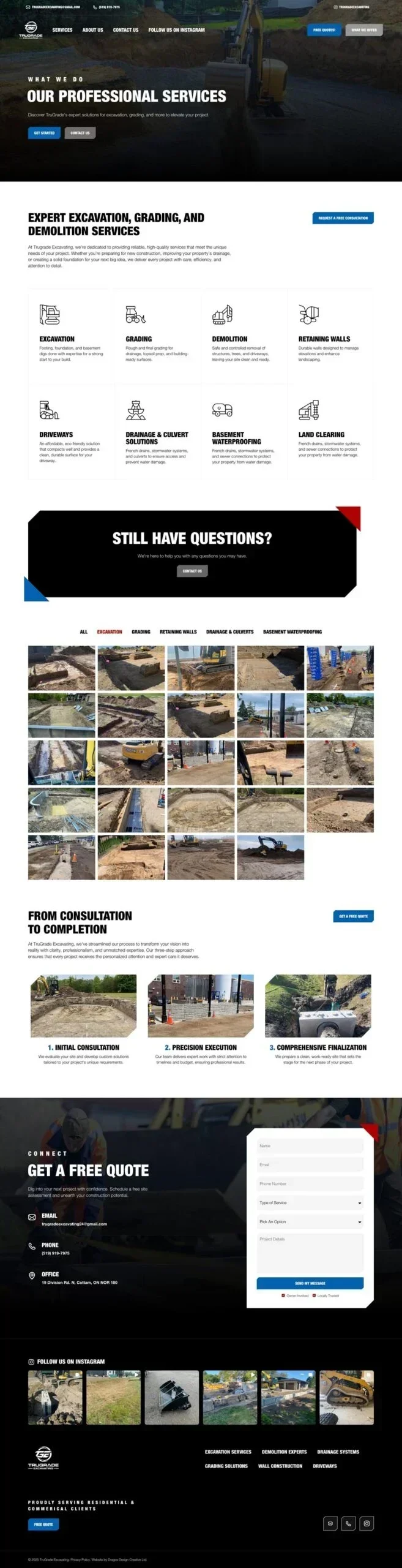
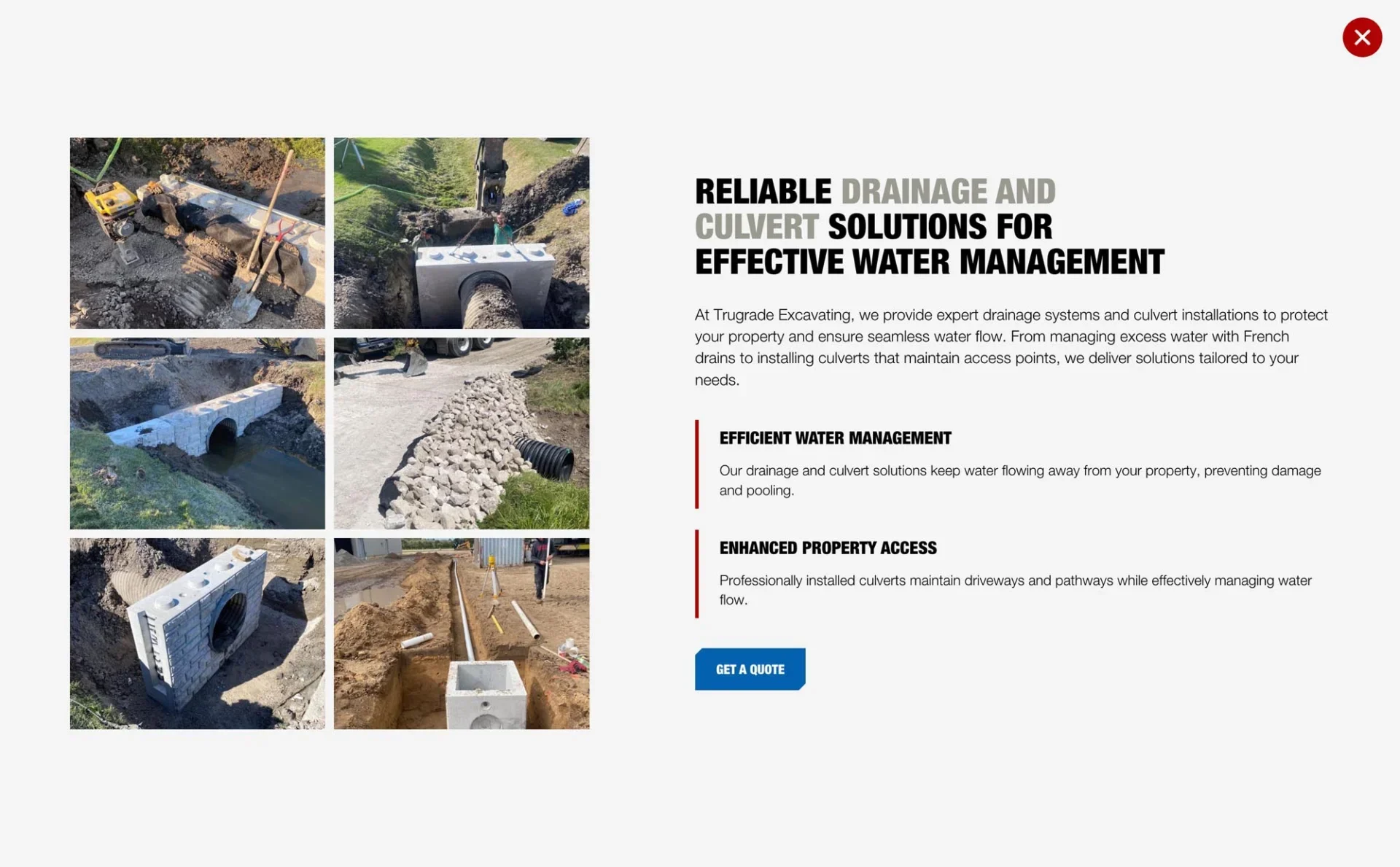
TruGrade’s services include excavation, grading and drainage work. At launch, we used service pop-ups to bring together additional information and relevant project photos, giving visitors more detail within a straightforward browsing experience.
That was a practical way to organize the first version while leaving room for more content later.
For your own website, consider how much explanation each service needs. A service that raises several questions may benefit from its own page. A focused overview can work when the information is simpler. The useful test is whether a visitor has enough detail to understand the service and ask about their project.
Choose photos that explain the work
A description can explain that a company handles excavation or grading. Photos give that description context, showing the type of property, the equipment involved and the scale of the work.
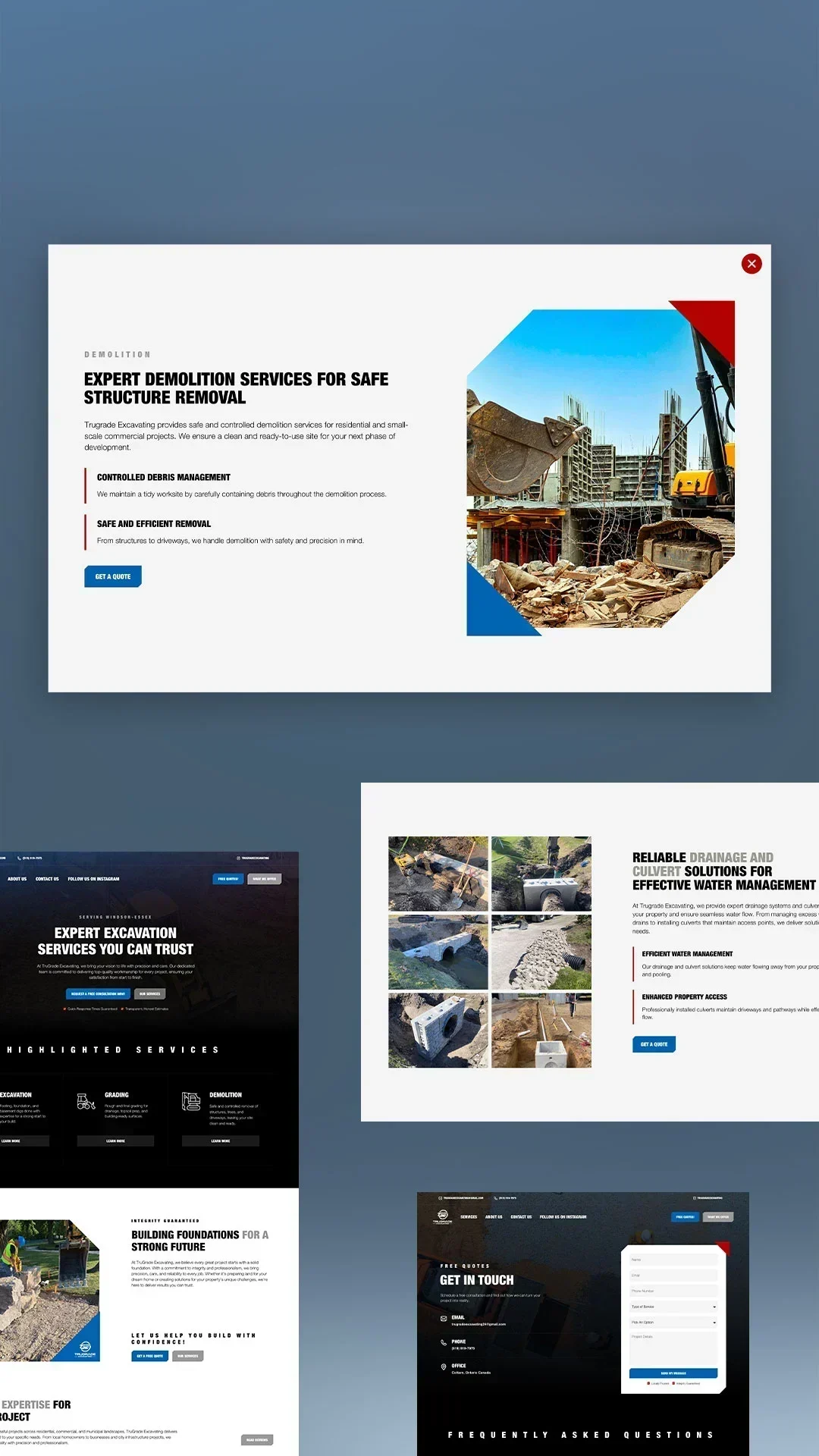
We brought project images into TruGrade’s service information and included a gallery where visitors could explore more of the company’s work. That gave prospective clients a way to look for projects relevant to what they had in mind.
When choosing photos for your own site, look for examples that represent the kinds of work you want people to enquire about. Place them alongside the relevant service information so visitors can understand what they’re looking at.
Build on your existing identity
TruGrade already had a logo and visual identity in place. Our role was to carry that identity into a website that felt consistent with the business people were getting to know.
If your business already has an established identity, that gives the website a useful starting point. Consistent colours, imagery and presentation can help someone recognise the company they’ve seen elsewhere.
The design also needs to make the information easy to use. We kept TruGrade’s layout clear and carried that approach through to mobile. When reviewing your own site on a phone, check whether you can comfortably read the service details, view the project photos and find the contact options.
Make the quote request easy to start
Once someone has found a relevant service and looked through the work, getting in touch should feel like a natural next step.
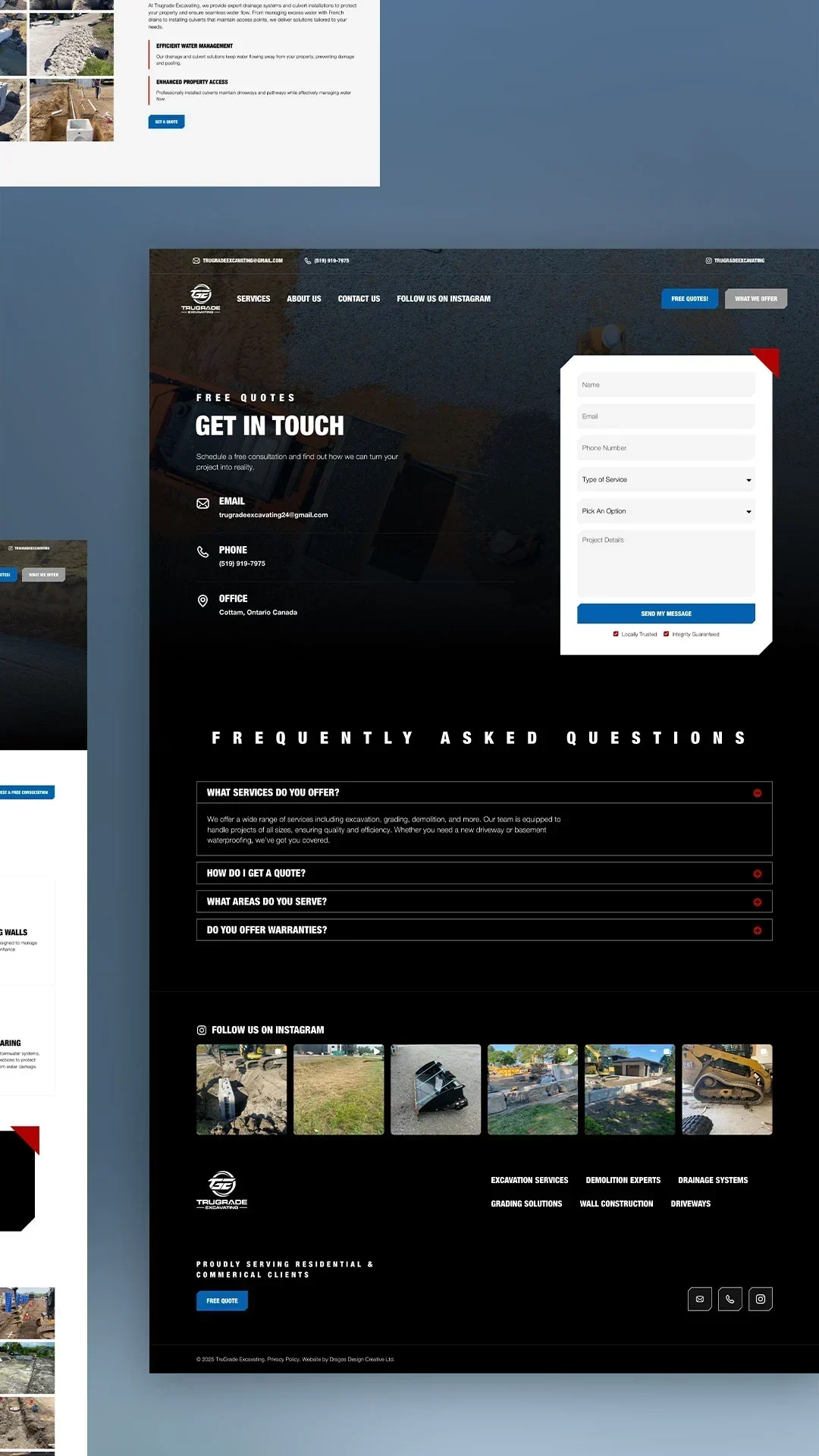
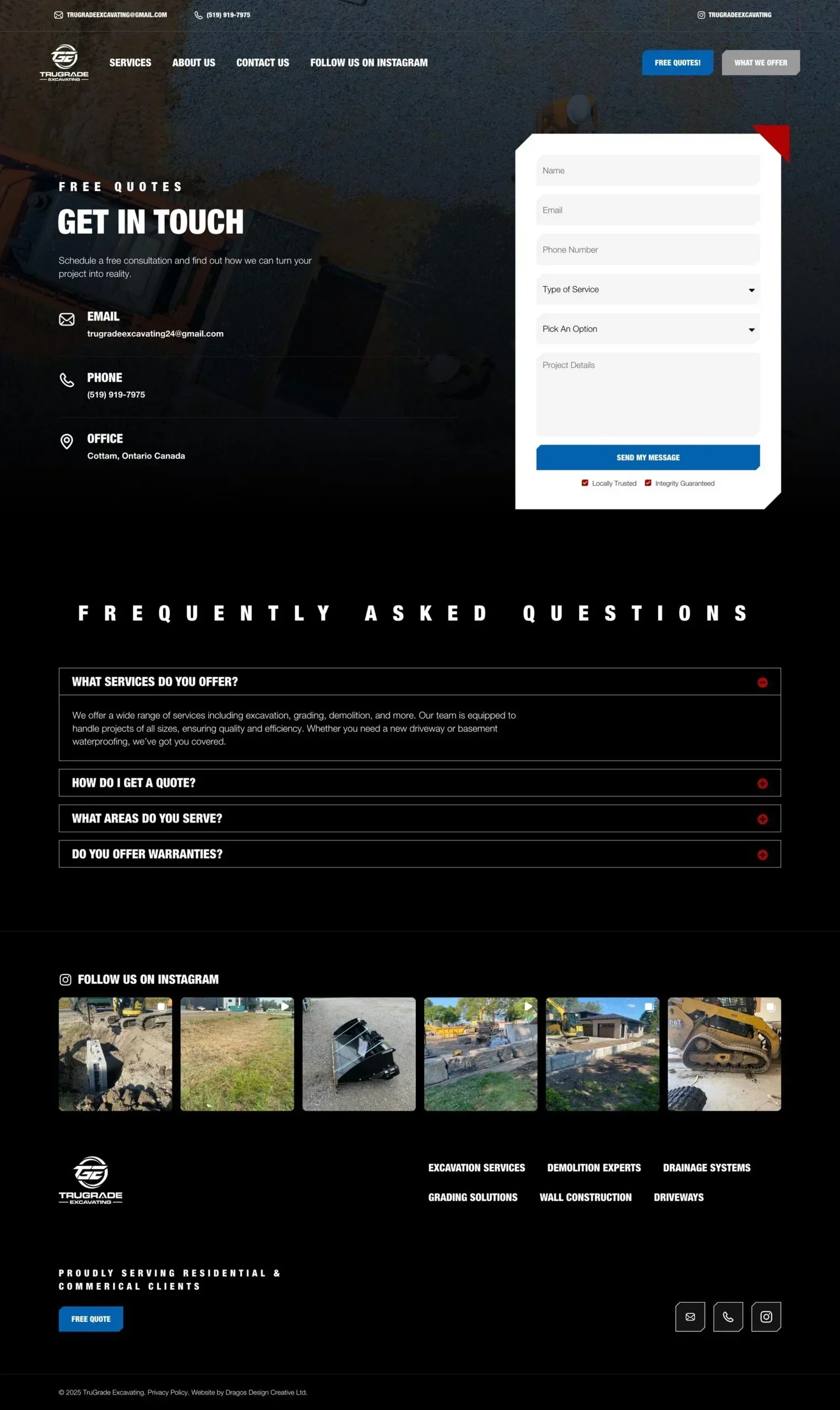
We included clear quote prompts and a straightforward contact form. TruGrade’s contact page asks for contact information, the service required and project details. It also answers practical questions about requesting an estimate and the areas the company serves.
For your own enquiry form, focus on the information you need to begin a useful conversation: who the person is, how to reach them and what they’re planning. A project-details field gives them space to explain the work in their own words.
Keeping service-area information nearby also helps visitors check whether you cover their location before they send an enquiry.
Connect the channels you already use
Instagram was already part of how TruGrade shared its work. At launch, we integrated the company’s feed into the website so project updates could appear there alongside the service information.
That made use of an activity the team was already maintaining. Posting to Instagram could also bring recent work onto the website without requiring a separate website update for each post.
We also updated TruGrade’s Google Business Profile with business information, project images and a link to the new website.
When planning your own site, consider how people will reach it from the channels you already use. Someone following a social link or finding your business through a local listing should be able to continue easily to your services, project examples and contact information.
Plan for the website after launch
Before launching a first website, decide who will keep service information and project photos current, and who will look after maintenance, backups and security.
For TruGrade, we provide managed WordPress hosting with ongoing website care. That support is part of keeping the site useful as it becomes part of the business.
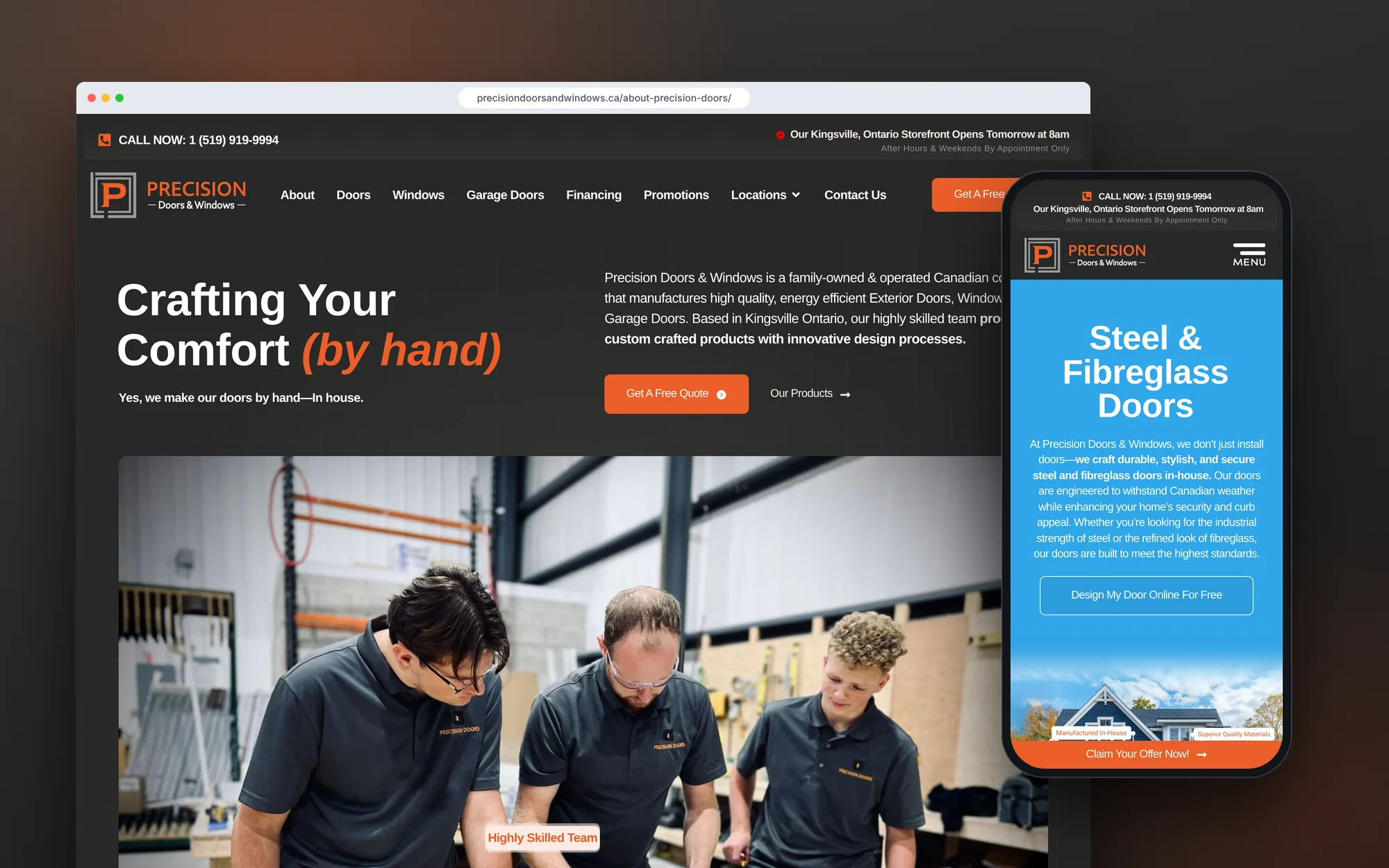
The first version can develop over time, too. Our Precision Doors & Windows project offers another example of how a trades website can adapt as a company’s products and services grow.
Visit the TruGrade Excavating website.
If you’re deciding what belongs in your first excavation or trades website, we’d be happy to talk through your plans.