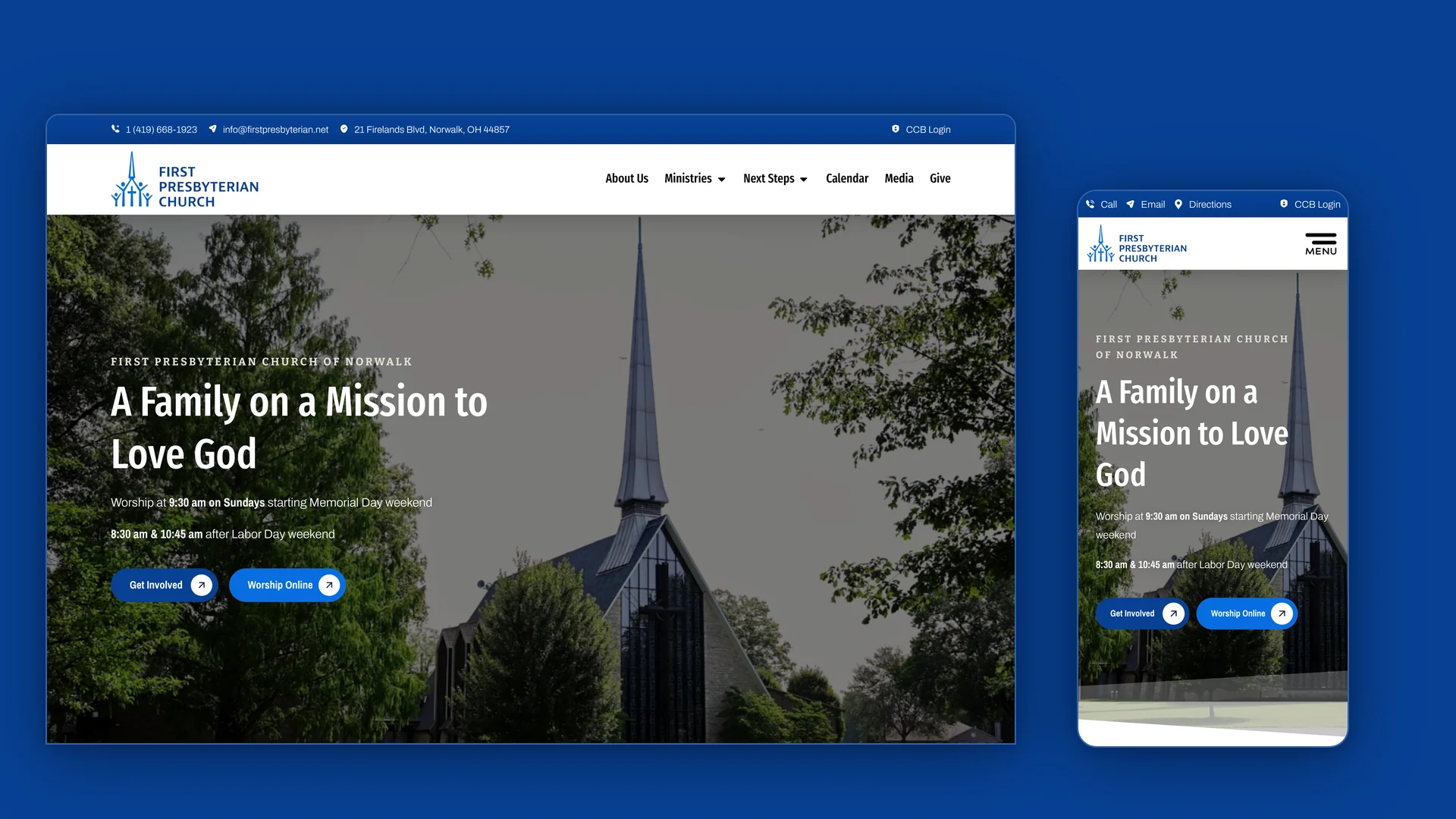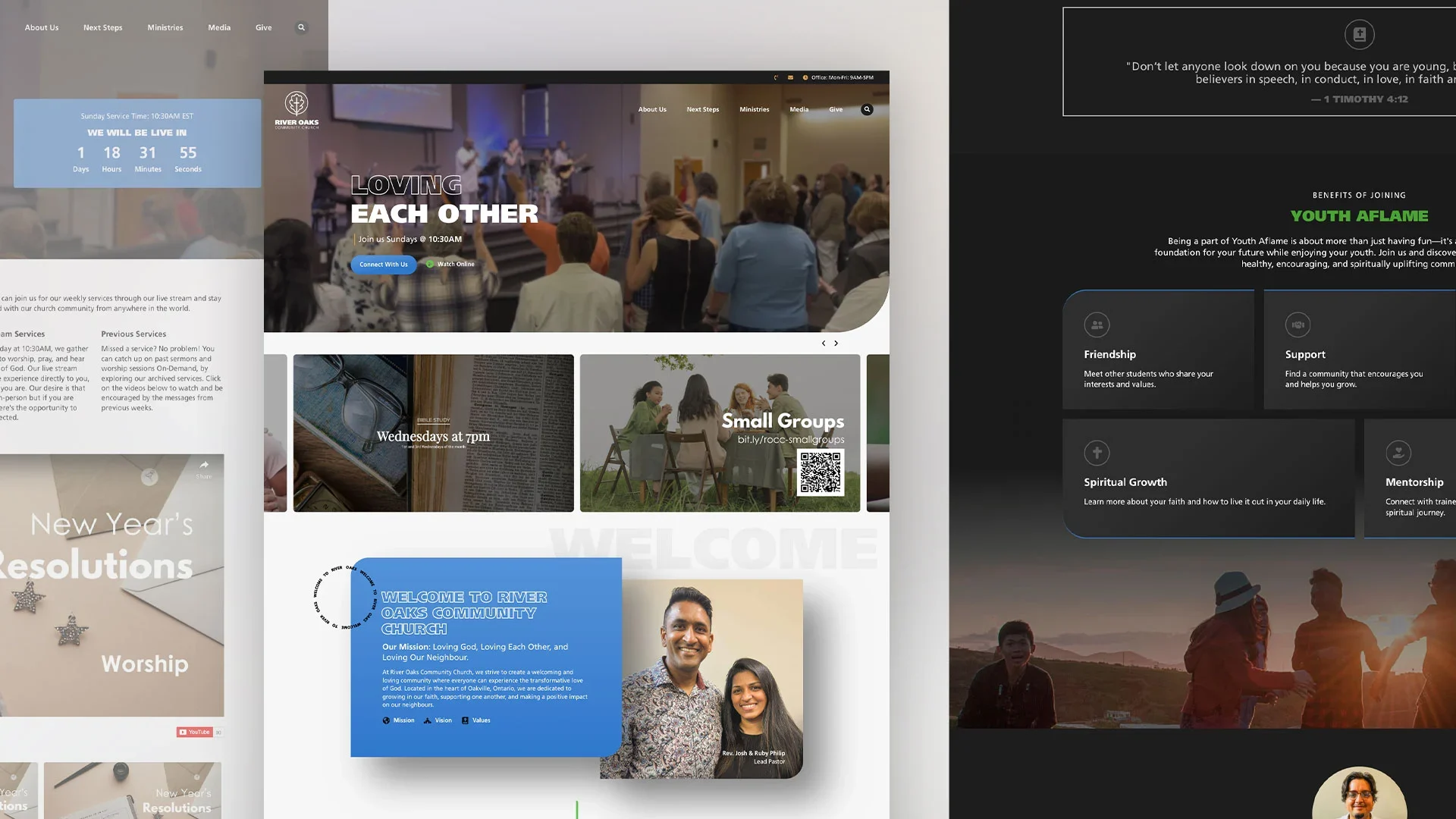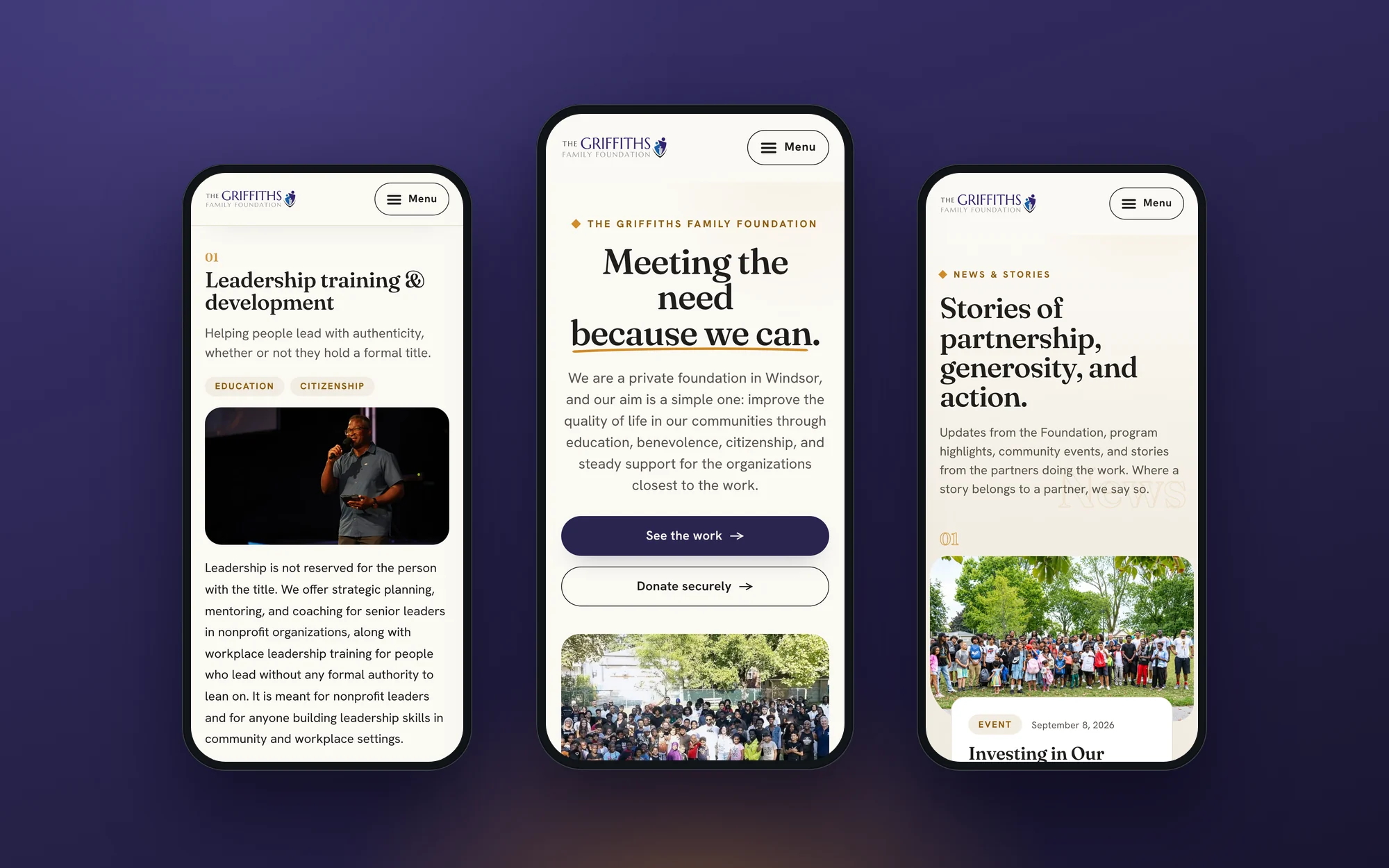



If your church uses Church Community Builder (CCB), now part of Pushpay, an important part of planning the website is deciding how people will reach that information and act on it. Someone interested in an event needs to know how to register. Someone exploring groups needs enough detail to decide which one might fit.
That was part of our work with Brightmoor Church in Novi, Michigan. We connected the website with its existing CCB church management tools and Pushpay giving platform. Brightmoor also uses our Beacon AI chatbot to look up live calendar and registration information and help people find small groups.
The useful starting point is to consider where information is managed, what a visitor needs to see and where their next action happens.
Building around the information your team already manages
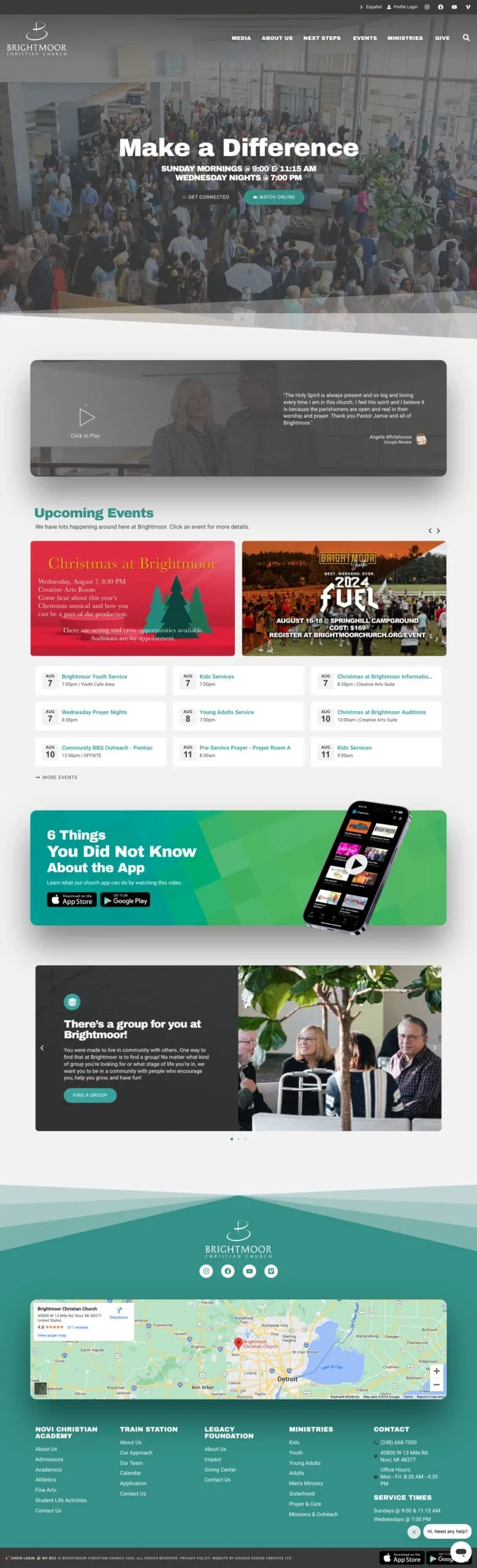
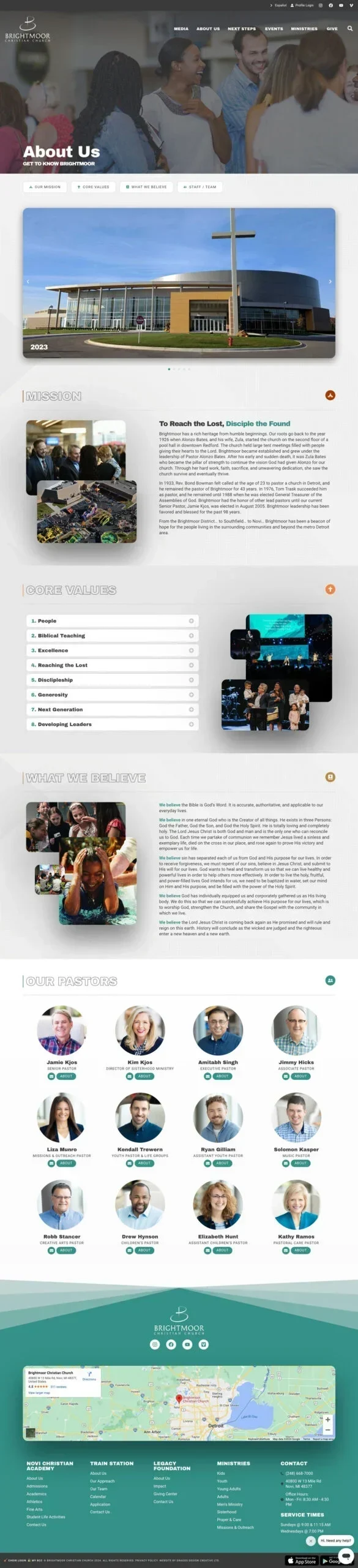
Brightmoor’s website gives visitors routes to ministries, events, groups, media and giving. The CCB connection brings event details, group information and ways to get involved into that experience while the church continues using its existing management tools.
For a church planning a similar connection, it helps to identify where each type of information is maintained before deciding how it should appear on the website. An event listing, a group description and a giving page each have a different job to do.
That thinking informs the website design. The pages help people understand their options, while the connections with the church’s systems support the relevant signup or giving step.
Connecting event details with registration
Brightmoor’s events page gives visitors a place to browse the schedule and open individual event details. Upcoming events also appear on the homepage, making them visible to people who may not have arrived specifically looking for the calendar.

Event information and registration need to work together. Once someone finds an activity they’re interested in, the next question is often whether they need to sign up and where to do that. The website’s connection with CCB helps people move from an event listing to the relevant registration information.
When reviewing your own church website, follow that same route for one event. Can someone find the details they need and understand what to do next? This helps you assess whether the calendar and registration options work well together.
Helping people choose a small group
Finding a group often involves a few practical questions. What is the group about? When does it meet? Is it at the church or somewhere else?
Brightmoor’s groups directory helps people explore those details. Visitors can browse listings, review information such as meeting day, time and area, and follow the relevant links to connect or join through CCB.
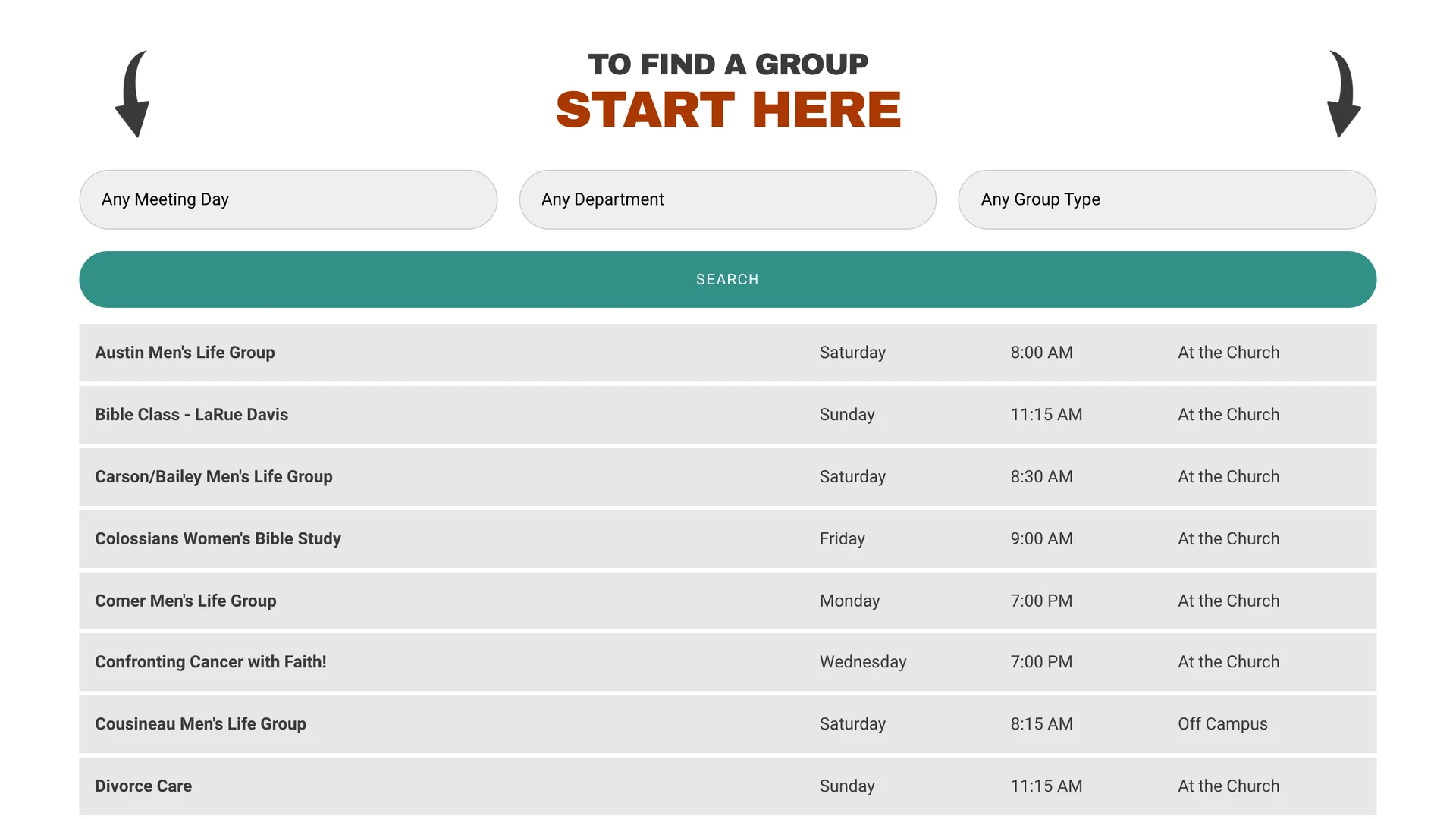
These details help people decide whether a group fits their interests and schedule before they get in touch. When planning a group directory, consider what someone needs to know to make that decision, then give them a clear way to connect with the group.
Making the route to giving clear
Brightmoor’s giving page connects visitors with its Pushpay giving platform and provides information about recurring gifts and accessing giving statements.
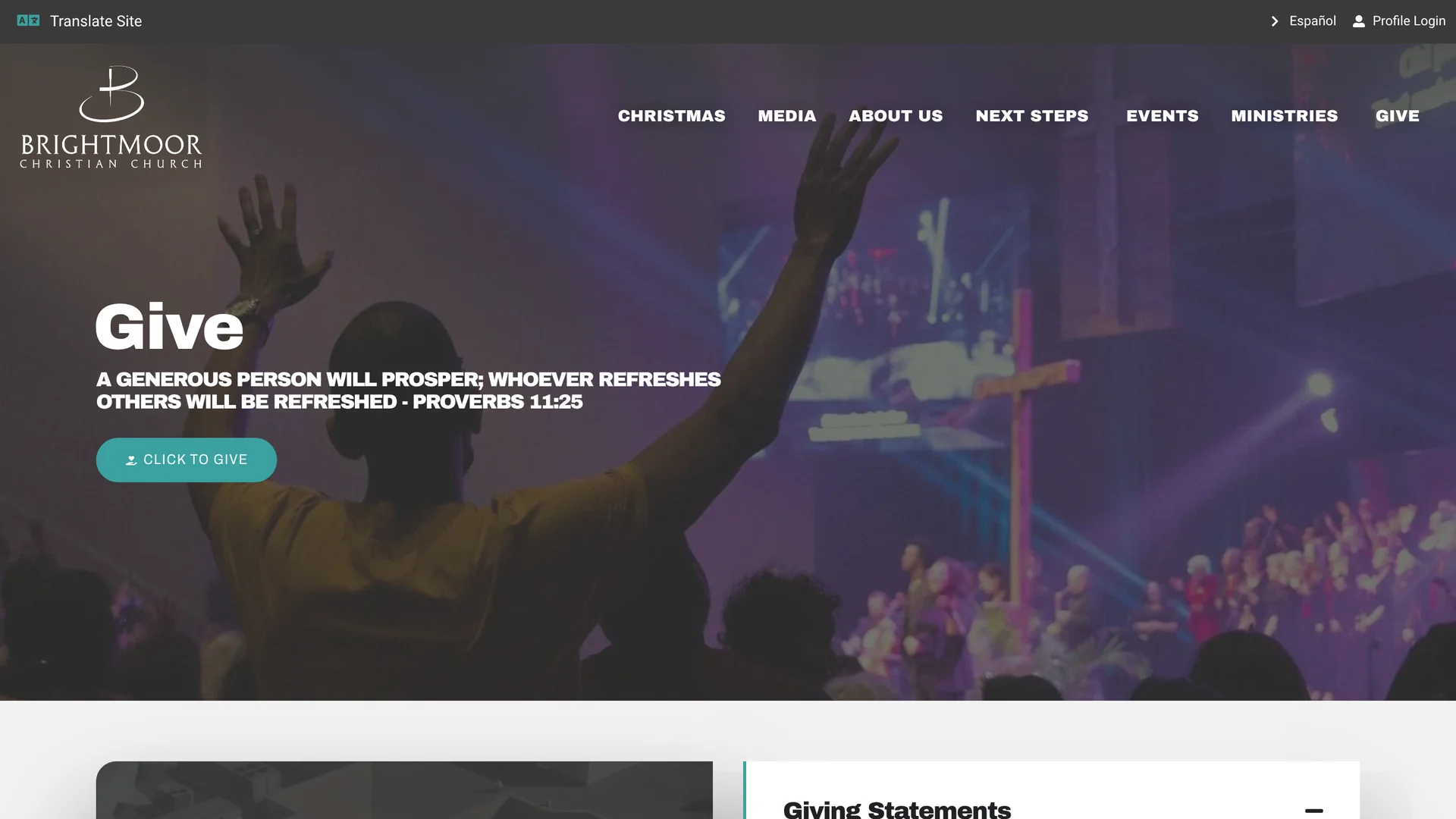

The website and the giving platform each have a clear role. Brightmoor’s site helps people find the information and the giving link; the next step takes them into the system the church already uses.
This is a useful distinction when planning an integration. A connected experience can include a clearly signposted move to another platform. What matters is that people understand where to go, what they can do there and how to find help with related questions.
What live calendar access adds to Beacon AI
Brightmoor also has our Beacon AI chatbot, giving visitors another way to find information while they’re on the website.
For Brightmoor, Beacon can look up the CCB calendar live for event and registration information. It can also look up small groups. Someone can ask about what’s coming up or get help finding a group through a conversation on the site.
Live calendar access is useful because event information changes. Dates, details and registration options need to reflect what the church is currently sharing. Connecting Beacon with CCB allows it to look up that information when someone asks about an event.

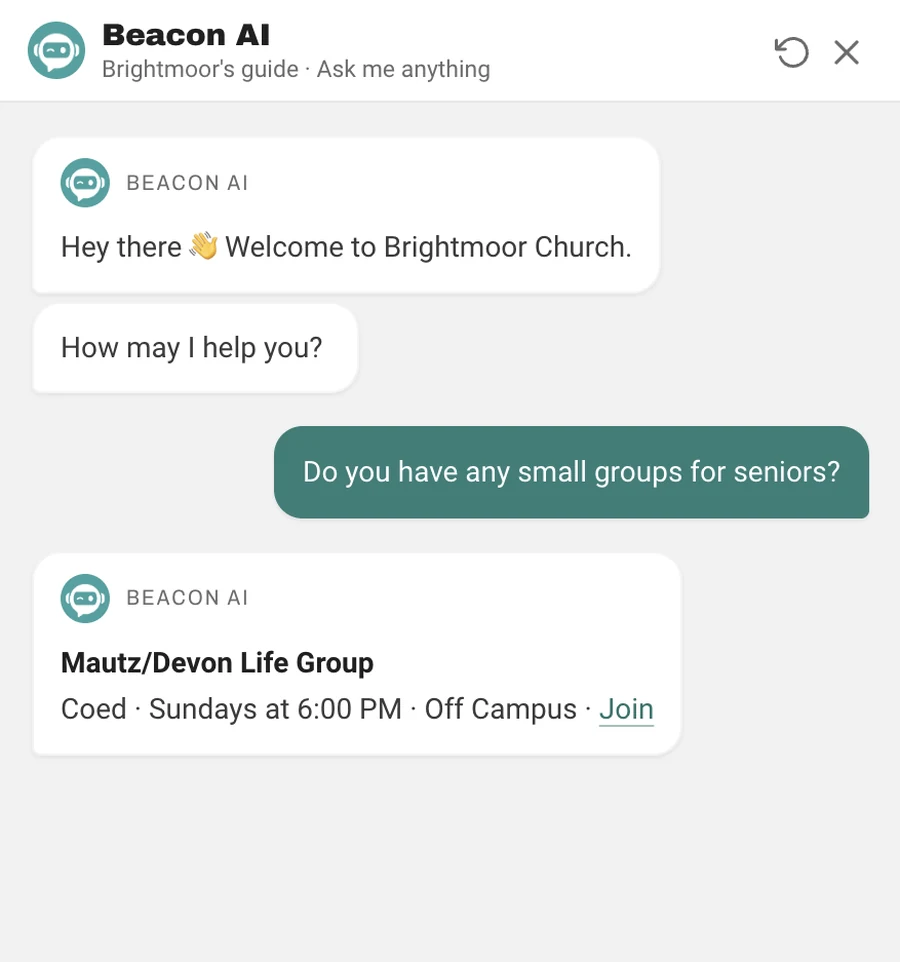
If your church is considering a chatbot, think about which questions depend on changing information and which sources the assistant can actually look up. That helps define what it can usefully do for your visitors.
It also gives people a choice in how they explore the site. Some prefer to browse the calendar or compare group listings themselves. Others arrive with a particular question and would find it helpful to ask. Beacon provides that conversational option alongside the website’s navigation and directories.
Considering the connections your church needs
Brightmoor’s website offers a practical example of how a church can connect the systems it uses with the information people need. The project also includes our managed WordPress hosting.
For your own website, start with a task someone wants to complete, such as finding an event or joining a group. Look at where the information comes from, what the page explains and where the person goes next. That gives your team a useful basis for deciding which connections the website needs.
You can explore Brightmoor’s website to see these features, or read about First Presbyterian Church for another example of a website connected with CCB and Pushpay.


If you’d like to discuss how your church’s tools could work with its website, we’d be happy to talk through the possibilities with you.
 Amitabh Singh